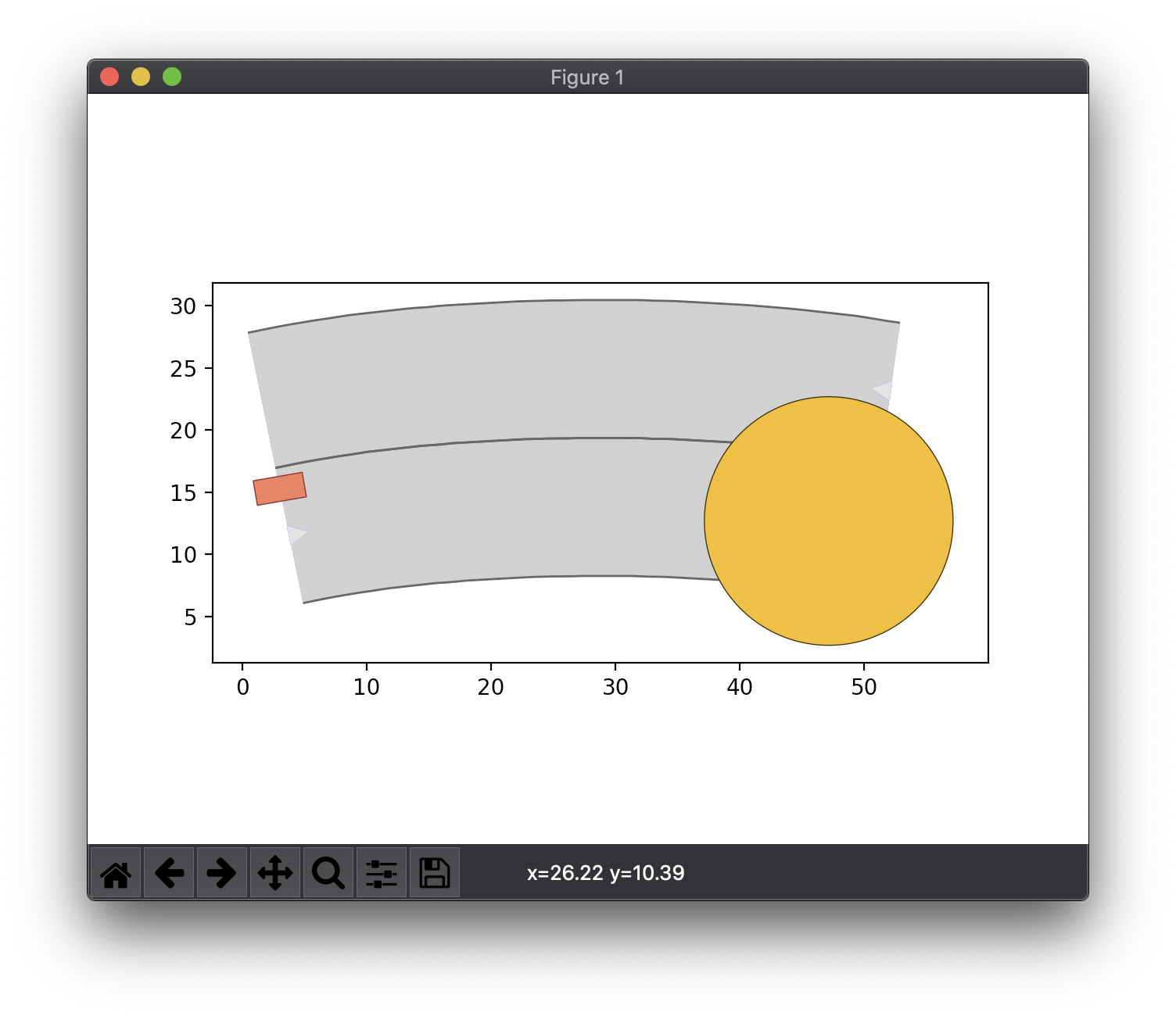
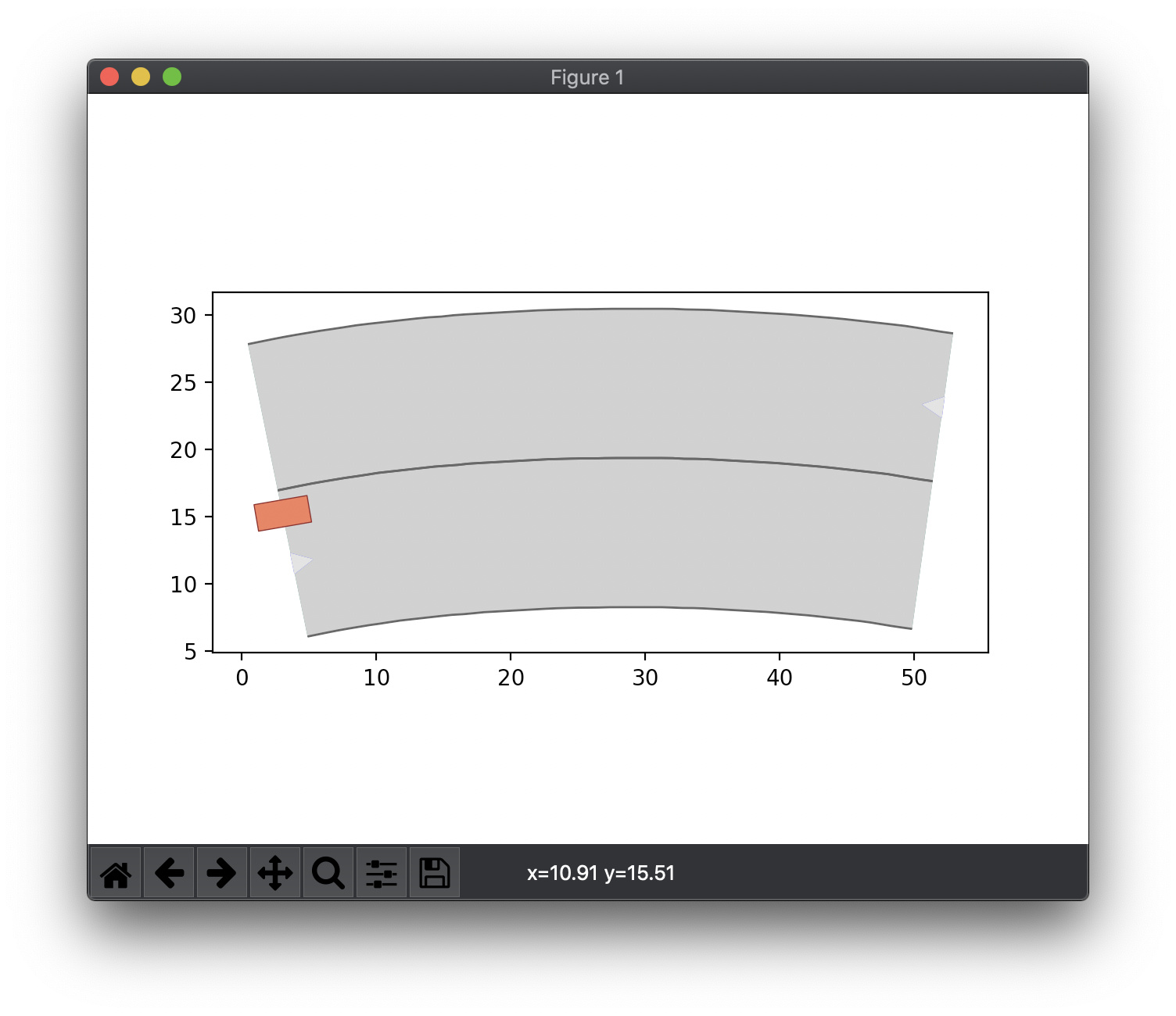
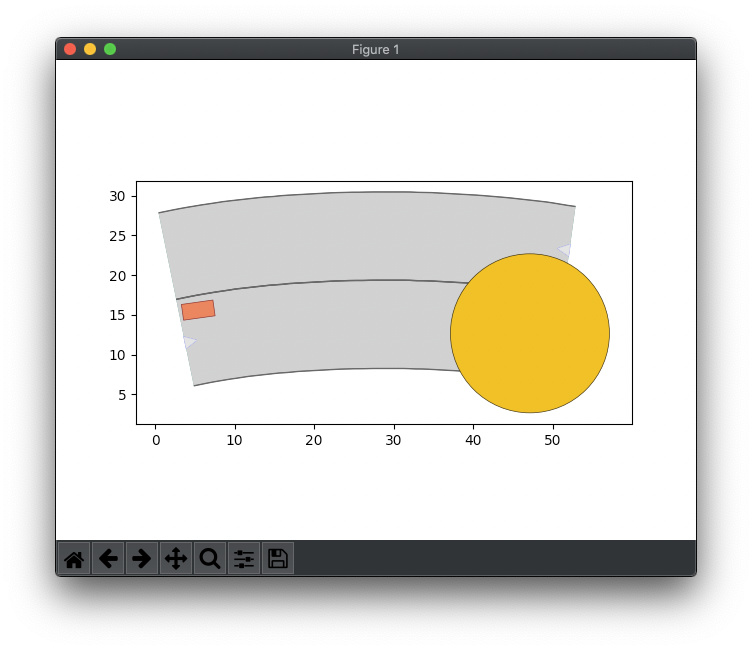
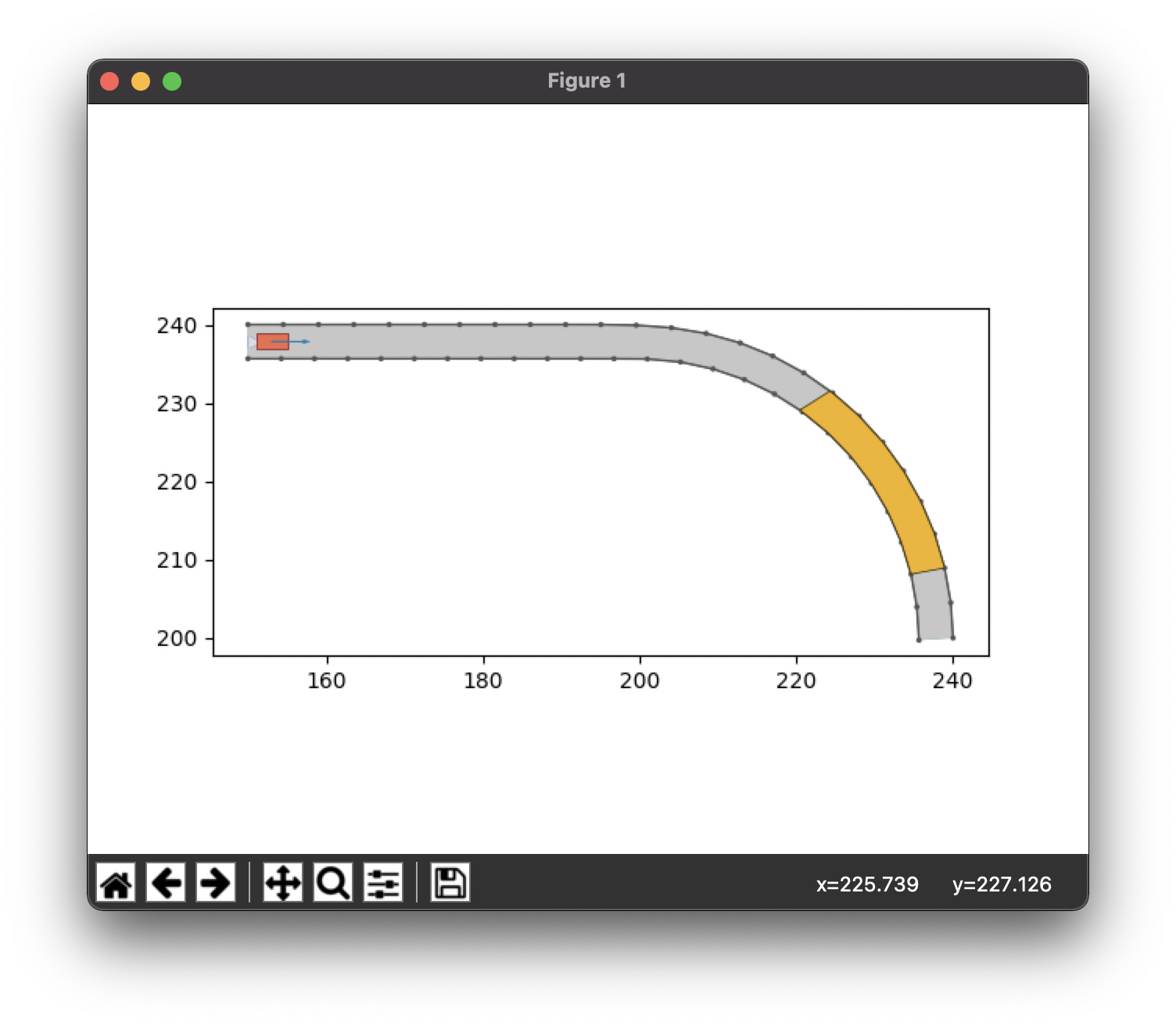
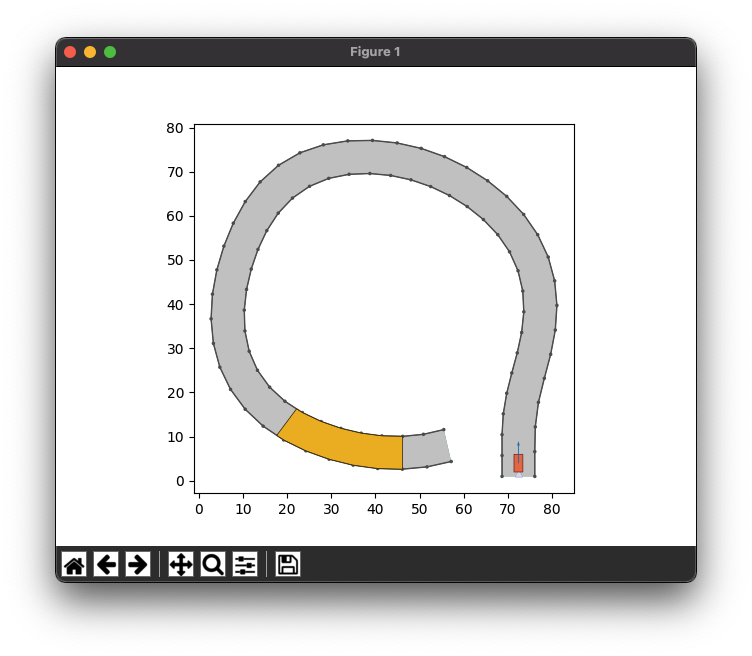
I am facing the following problem and cannot understand why it is happening. I am pretty sure I created broken scenarios or maybe broken planning problems, but cannot wrap my mind around it.
*Note that the lanelets and the goal region for scenario 1 are purposely large to ease the planning, while for scenario 2 I simply only defined the time_steps as goal
I am using the maneuver automata created from the given xml file (I tried only the ones for the 320 BMW)
And I used all many of the available planners (MotionPlannerType.BFS, MotionPlannerType.ASTAR, MotionPlannerType.DFS, MotionPlannerType.DLS, MotionPlannerType.GBFS, MotionPlannerType.UCS) and all report no solution (NoneType).
I am running everything inside the docker provided for the commonroad-search project.
Hi, yes, I also tried to put the vehicle inside the road but at that point, many of the algorithms did not stop. I mean, not even the timeout triggered, and I had to brute-force halt the docker container. Maybe the vehicle was not entirely inside the lanelet.
It seems that your desired orientation is not valid. I changed that to -3.14~3.14, and I could solve for a valid solution. For a quick evaluation, you can also change your radius to 30 and see if you also get the result.
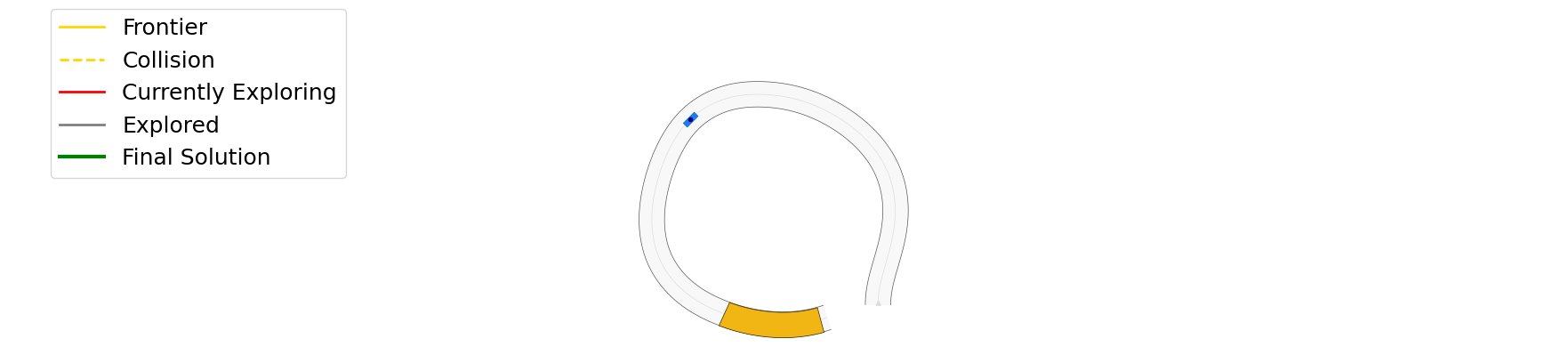
the good news is that I managed to create solvable scenarios. The bad news is that in many cases the “default” ASTAR algorithm struggles to return a solution. To understand what I mean you can look at the images below: after more than 10k iterations, ASTAR is not yet satisfied and keeps looking around for a better solution when (at least in my case) any valid solution would work.
Note: I am no expert in trajectory planning, but to me it seems that the algorithm “does not want to reach” the goal area. Maybe somehow (@Edmond?) can suggest me a more suitable configuration for making the ASTAR Trajecotry Planner returning a valid solution as soon as possible?
Hi again, yes the provided heuristic function of A* is not efficient (it was meant to be an example for students). You can consider prioritizing primitives with higher velocities / less deviation from the reference path (provided by the route planner), etc.
I see. I can try to implement your suggestions, but since I am not an expert on trajectory planning I wonder if you or anyone in the commonroad community can provide me with some “believable” planner.
It seems that @Edmond you may have already enough experience to pull this out
At the end of the day, what I need are test subjects to evaluate my work on automated test generation and something we can use in the context of our SBST testing tool challenge. I am not looking to find the best planner, but if you provide one, I can send you back some scenarios for which the planner(s) may not perform that good, and you can use those to improve your design even further.
Hi Allesio, here you can see the shared code of the student who won our internal CommonRoad motion planning competition. I believe this is not the final version of his work. If this is not good enough, you can reach out to the author for his winning planner of the competition.
Hi, Edmond, thanks a lot. I’ll look into that and see whether this is good enough. Note: I am still facing issues in running the pipeline as the moment I move away from simple cases (straight roads), things tend to break
Unfortunately, in the new version of commonroad the function draw_object has been removed, and all the code in commonroad-search still uses that. So I cannot provide any visualization of the progress of the search. I can post/share the scenarios as you wish. I am running the commonroad-search inside docker (installing everything on the mac may be an option, but I am not sure whether and how good the available installation scritps cover this case)
Hi Alessio, we are in the process of upgrading the CommonRoad Search to latest commonroad-io, I will notify you once this is done (expected to be finished this week).
@alessiogambi
I am currently not working on CommonRoad & have the computer with commonroad not with me.
My guesses are that A* tries to find an optimal solution. Therefore perhaps multiple feasible solutions are found (see nodes before the solution) but the algorithm keeps running to find an optimal solutions. Maybe try gfbs
However for your xml files, any planner (the baseline gfbs from the soon-to-be-updated commonroad search) should do the job.
Maybe pay attention to the xml specification (without orientation / velocity goals) & test with simple provided scenarios from the website.
@michaelf Thanks for the reply. Sure I’ll try using GFBS.
However for your xml files, any planner (the baseline gfbs from the soon-to-be-updated commonroad search) should do the job.
Yes! This is also what I do expect, but so far, something prevented me from achieving that goal.
Maybe pay attention to the xml specification (without orientation / velocity goals) & test with simple provided scenarios from the website.
I am trying different combinations but really have no idea where I should look at. There’s no target velocity, and the orientation is the whole range of values. Also for time, I have quite an ample interval.
Hi Alessio,
I had a closer look at your previous scenarios (large circle goal region), and I believe I found out the reason: in the previous implementation, the goal region is parsed in a way that looks for the attribute “vertices” (typically for rectangular goal regions). Since you had a Circle goal region, this attribute could not be found, and thus the desired position is set to None. Furthermore, according to the evaluation function (heuristic function), in such a case, the heuristic is only dependent on the time step of the explored motion primitives. Essentially, there is no goal region to which the search should be biased toward, and therefore resulting in high number of iterations. A very simple solution to this is to parse the goal region for circular shapes (class SearchBaseClass in base_class.py), for example:
On a different note, what would be a reasonable size of a scenario to test trajectory planners? I understand that the computation time to find a solution increases with the length and complexity of the road; however, there may be a sort of limit that allows one to explore various road scenarios while keeping the computation time within 2 or 3 minutes.