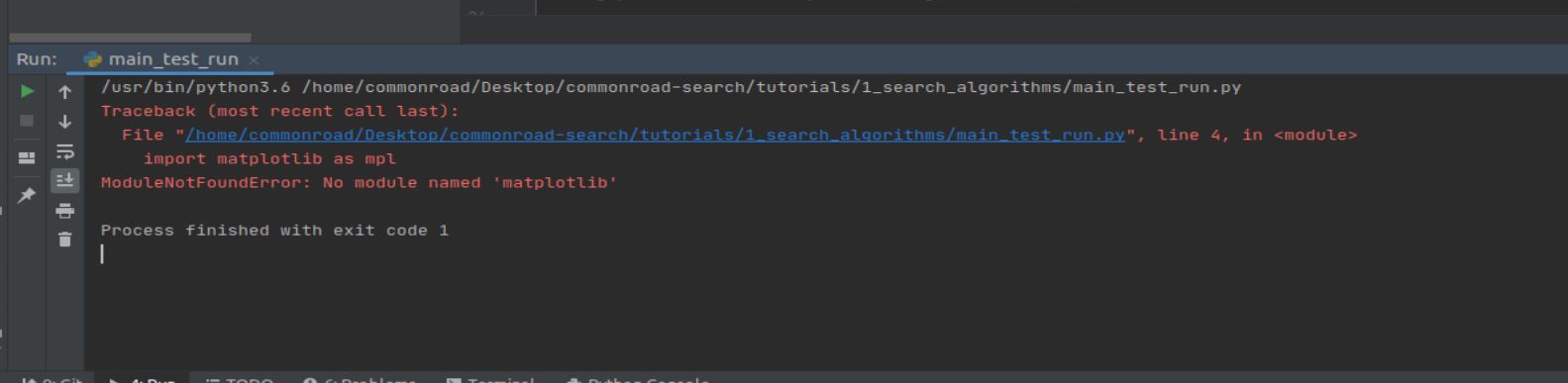
Hi, it seems that you are using PyCharm in the virtual machine, right?
You should set the default python interpreter of PyCharm from python3.6 to python3.7 in conda environment named commonroad-py37. You should be able to switch it in the bottom right corner of PyCharm. Alternatively, you can check it out here:

In my case, my environment is named cr37.
In case you don’t see commonroad-py37 even then, you should manually add the existing conda environment to Pycharm, see this.
Hi,
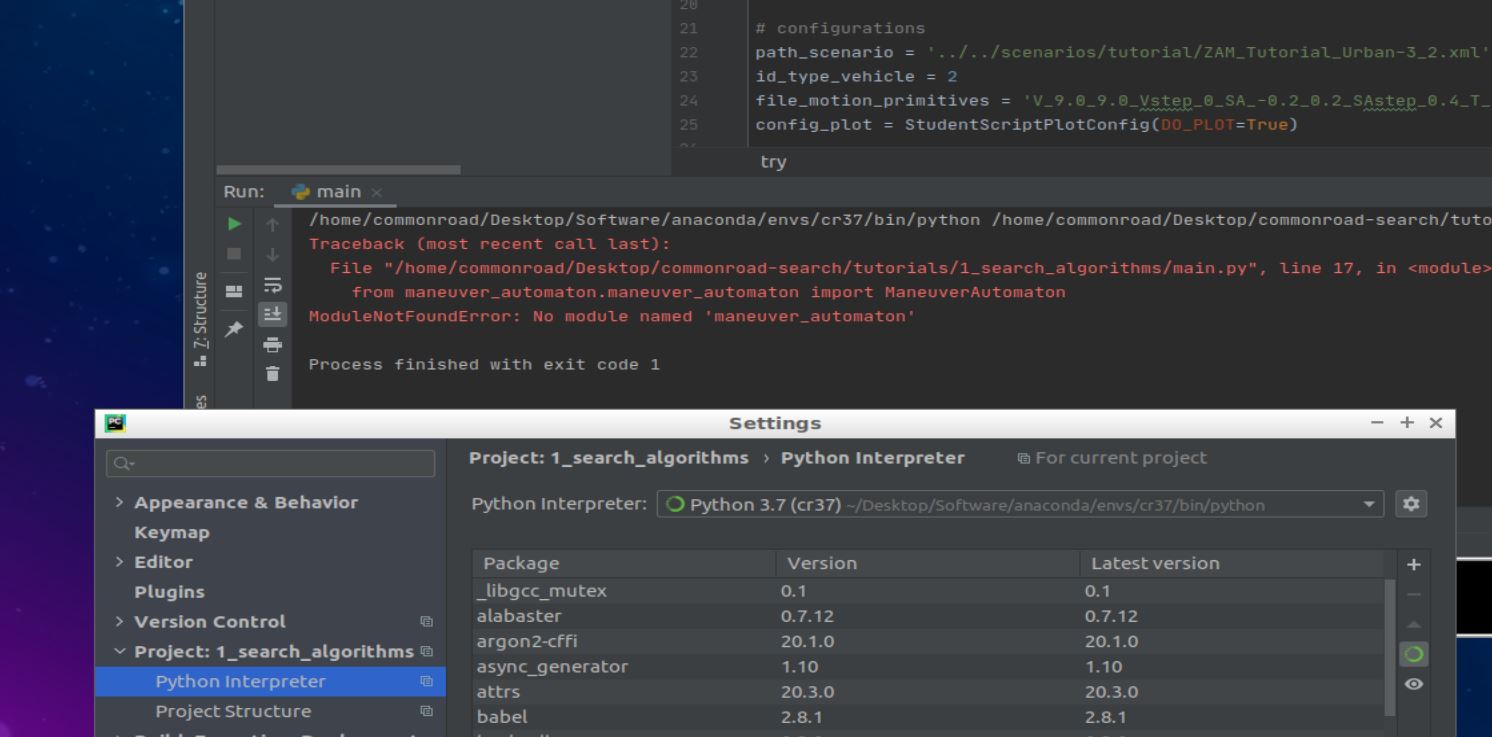
I have added the Conda environment(the Conda file in the VirtualBox), but there is still an error report because of the missing modules.
First of all, I think you are not running on the latest version of the code (the version in the virtual machine is a few commits behind the latest version). To update to the latest version, type the following commands in the terminal at the root folder of commonroad-search:
git reset --hard HEAD (this will discard all the changes that you have made locally)
git pull (this pulls the latest code from the master branch)
Then, you need to set the python environment as mentioned above, and on the left panel, right click on the folder SMP, and click on Mark Directory as >, then Sources Root. This should resolve your problems.
You can refer to the jupyter notebook for more explanations. This example.py is just a simple script to run the search, you can safely skip it and just follow the notebooks.