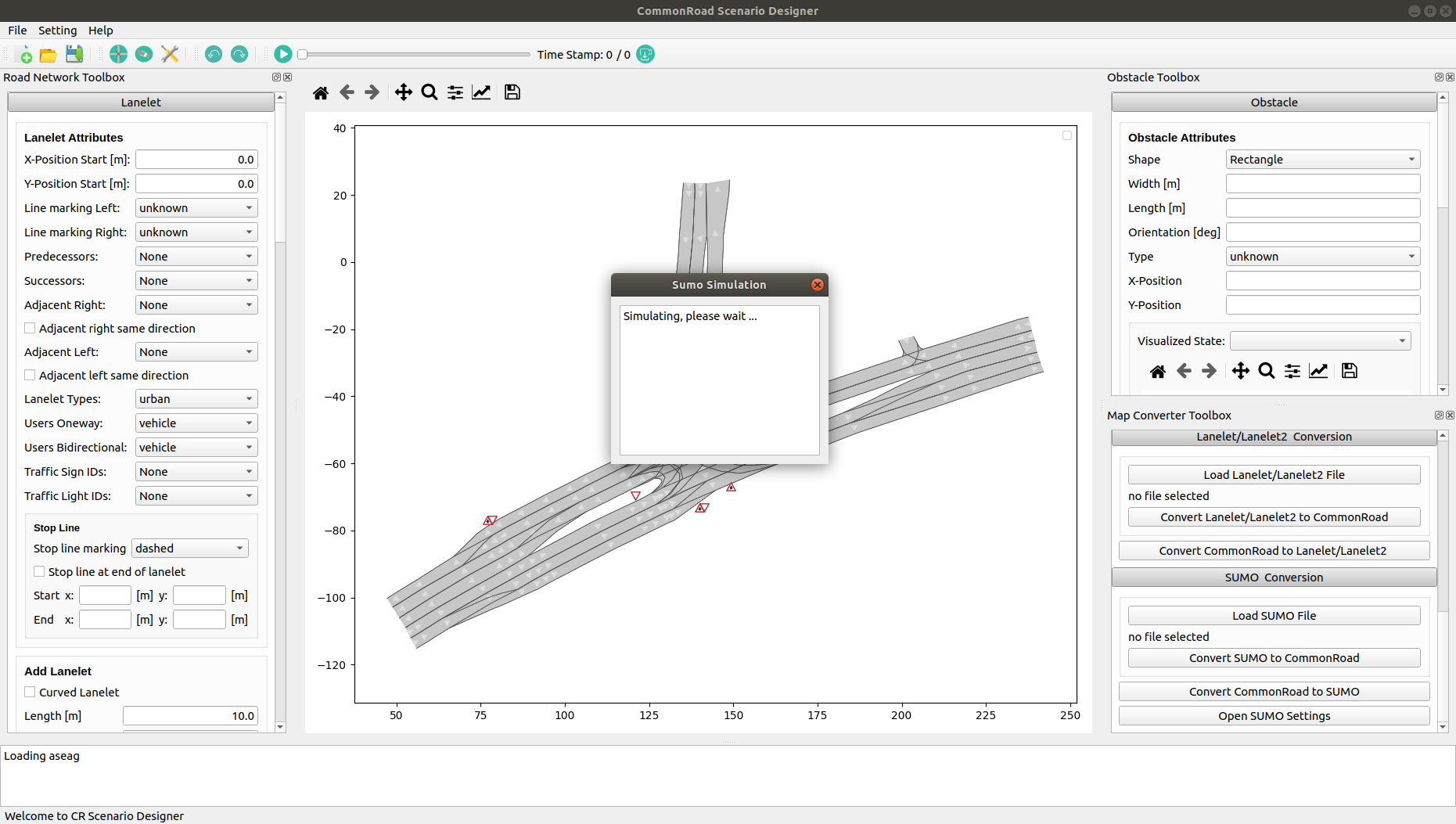
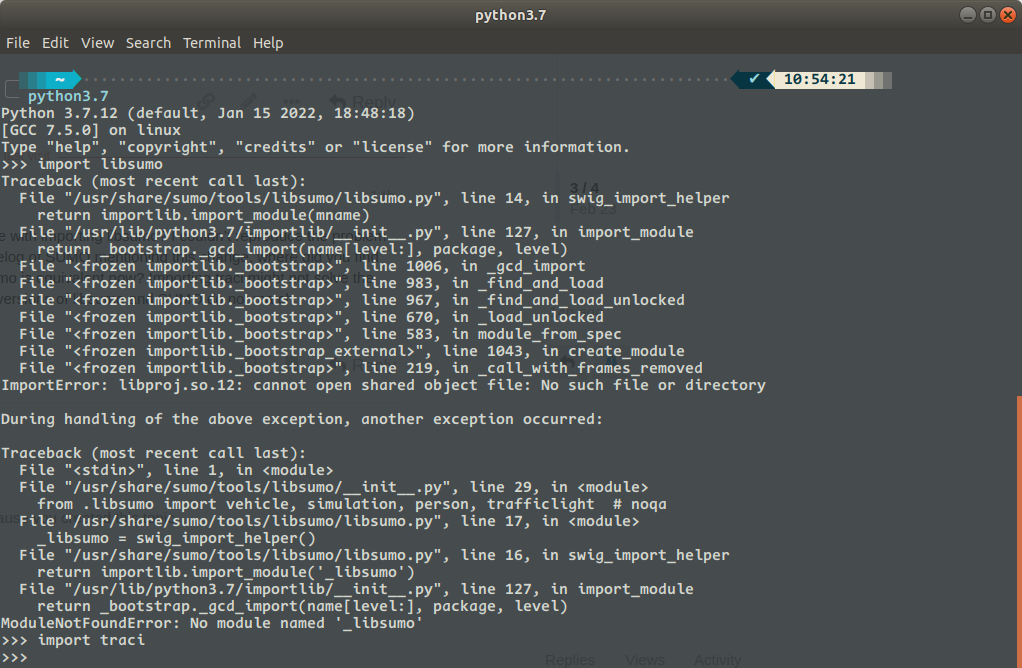
When I was installing the commonroad-scenario-designer, no error was reported. However, no matter I started crdesigner from the terminal or imported it as a python package, there was a warning saying
WARNING:root:Cannot import SUMO, simulation will not be offered in Scenario Designer
which disabled me to convert the commonroad files to sumo files.
Do you have any idea how to make the connection work? Thank you very much.
Yes, I am using Ubuntu 18.04. The SUMO version is 1.12.0.
Guess how I fixed this bug:
From SUMO-1.12.0, you no longer need to import libsumo, the lines
import libsumo as traci
in commonroad-sumo-interface/sumocr/interface/sumo-simulation.py and commonroad-sumo-interface/sumocr/interface/util.py should be revised to
import traci
I uninstalled sumocr, revised its source code, recompiled, and installed it manually.
Then, in toolkits/commonroad-scenario-designer/crdesigner/ui/gui/mwindow/toolboxes/obstacle_toolbox/obstacle_toolbox_ui.py, the try instruction muted one error. In fact, you have not implemented the rdesigner.api in line 17, so I muted this line. Then recompiled and installed it manually.
Tada~ It works now.
Can you provide more details about the issue with importing libsumo? I couldn’t reproduce the problem or find anything in the documentation/changelog of SUMO mentioning this change, where did you find the information that importing traci and libsumo is equivalent now? Importing traci might not solve the underlying problem, for instance when your versions of libsumo and SUMO do not match.
libsumo is actually a different (and faster) API compared to traci that just has a very similar python interface.
So the import should actually work, according to the error message there seems to be a problem with your SUMO installation since libproj is a dependency of SUMO. Also see here: Re: [sumo-user] libproj.so.12 Error